Also in Cyber Security

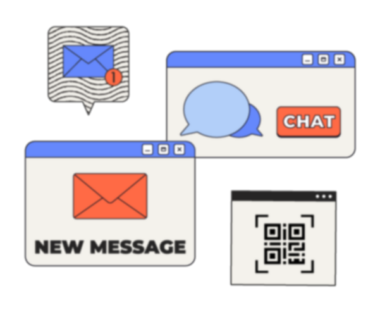
Spotting Scams Before You Click or Reply
lesson / 15m
fallback image

This lesson is designed to teach you how to spot the red flags of a scam and how to pause before clicking or replying.

View
Strong Logins and Account Protection
lesson / 15m
fallback image

This lesson is designed to give you an overview of how to secure your accounts against unauthorised access.

View
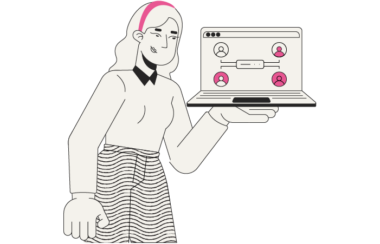
Using Email, Chat, and Collaboration Tools Safely
lesson / 10m
fallback image

This lesson is designed to teach you how to share information in the most appropriate and safe way through email, chat and collaboration tools.

View
Backups and Getting Back to Work
lesson / 15m
fallback image

Placeholder – Lesson to be released shortly.

View
Shadow IT and Unapproved Tools
lesson / 15m
fallback image

Placeholder – Lesson to be released shortly.

View
Working With Vendors, Suppliers, and SaaS tools
lesson / 15m
fallback image

Placeholder – Lesson to be released shortly.

View
Device and Workspace Security
lesson / 15m
fallback image

Placeholder – Lesson to be released shortly.

View
Safe Use of AI at Work
lesson / 15m
fallback image

This lesson is designed to give you an overview of how to safely use AI at work and recognise risks related to AI use.

View
Reporting Security and Privacy Issues
lesson / 15m
fallback image

This lesson is designed to give you an overview of how and when to report security and privacy issues.

View
Recognising When Something is Wrong
lesson / 15m
fallback image

This lesson is designed to give you an overview of how to identify cyber-security risks and prevent or minimise the damage.

View
Impersonation and Social Engineering
lesson / 20m
fallback image

This lesson is designed to help you recognise social engineering attacks and keep you and your business safe.

View
Handling Data Safely
lesson / 15m
fallback image

This lesson is designed to support your understanding of data handling and recognising the risks involved in sharing data.

View