Accreditations and Endorsements

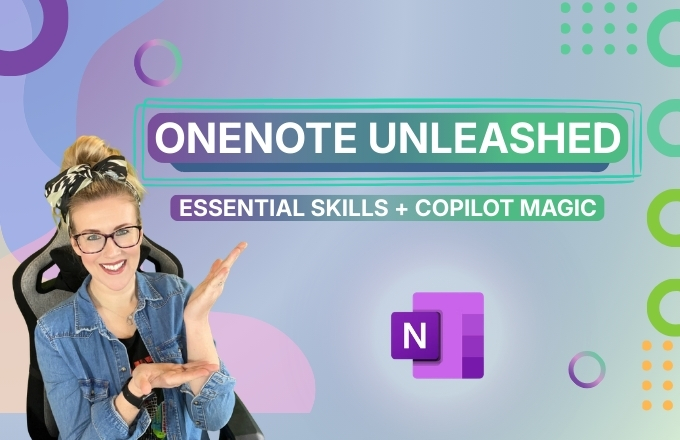
This course is a practical, beginner-friendly guide to using Microsoft OneNote confidently and effectively — with a strong focus on both core note-taking skills and new AI-powered Copilot features.
You’ll start by learning the fundamentals of OneNote, including how notebooks, sections, and pages work, how to navigate the interface across devices, and how to keep your notes synced and organised. From there, you’ll build strong note-taking habits using formatting, tags, tables, digital ink, and multimedia content.
As the course progresses, you’ll explore more advanced organisation tools such as enhanced search, linking notes, managing large projects, sharing notebooks, and integrating OneNote with other Microsoft 365 apps.
A dedicated section focuses on Copilot in OneNote, where you’ll learn how AI can help summarise notes, extract action items, generate task lists, refine writing, and support project-based notebooks — all while understanding when and how to use AI responsibly.
By the end of the course, you’ll bring everything together by creating your own AI-powered OneNote notebook, giving you a complete, real-world workflow you can use for study, work, or personal organisation.
Watch Content Preview 




Want to know more? Let's get you signed in

If you’d like temporary access to this collection, or to discuss it with a member of the team, fill out the form below.
"*" indicates required fields